In This Article
This article may contain affiliate links. We may earn a commission at no additional cost to you. Our editorial opinions are independent and our own.
Offer information researched October 22, 2026. Prices are advertised in U.S. dollars and may change by license, region or checkout.
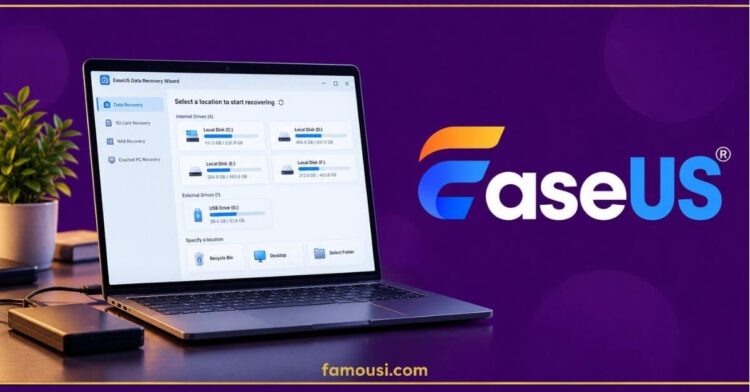
EaseUS discounts are available on selected data recovery, backup, partition management and PC transfer software. Its official discount page lists savings of 10% to 30% on several popular products and license options, including Data Recovery Wizard Pro, Partition Master Pro, Todo Backup Home and Todo PCTrans Pro.
But the lowest advertised price is not necessarily the right purchase. The software you need, whether a free edition is sufficient, and the license’s renewal terms matter just as much as the discount.
Current EaseUS Discounts by Product
The following offers appeared on the official EaseUS discount page during our October 22, 2026 research.
| EaseUS software | Advertised price and saving | Best suited to |
| Data Recovery Wizard Pro — Windows, 1-month license | $48.96, reduced from $69.95 (30% off) | Recovering deleted or inaccessible files |
| Partition Master Pro — 1-month license | $23.96, reduced from $29.95 (20% off) | Managing partitions and disk space |
| Todo Backup Home — 1-month license | $17.96, reduced from $19.95 (10% off) | Backing up and restoring personal data |
| Todo PCTrans Pro — 1-year license | $41.96, reduced from $59.95 (30% off) | Transferring applications and files between PCs |
These figures reflect advertised discounts, not completed checkout transactions. The Todo PCTrans example uses a one-year license, while the other three examples use one-month licenses. They should not be treated as equivalent subscription costs.
EaseUS also lists annual and lifetime options for several products. Before purchasing, compare the price and terms for the exact edition you intend to use.
Compare current EaseUS software offers
Which EaseUS Software Should You Choose?
EaseUS sells tools for different problems. Identifying the task first can prevent an unnecessary purchase.
Data Recovery Wizard Pro: Recover Lost Files
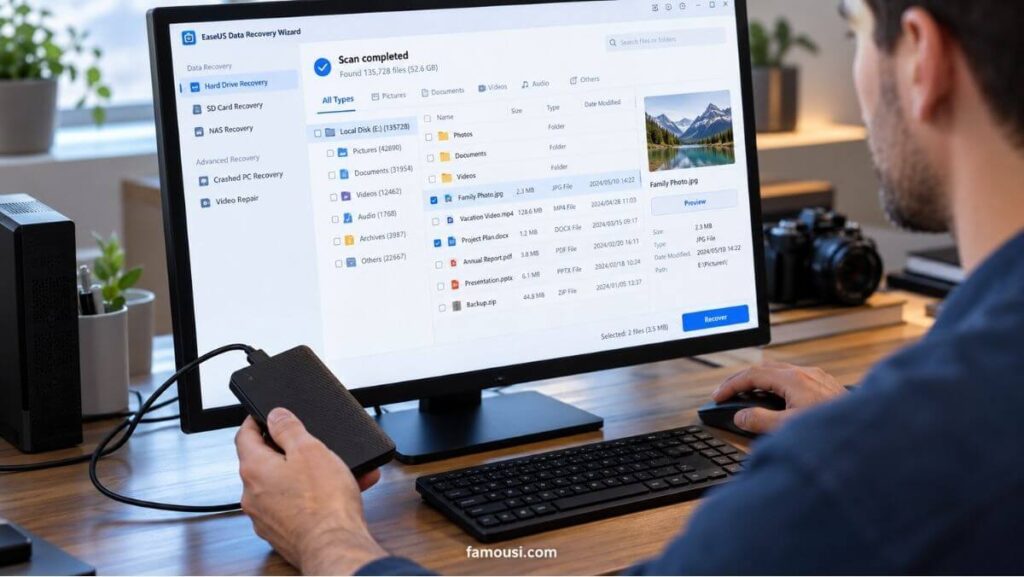
Data Recovery Wizard is designed to scan storage devices for lost or deleted data, including documents, images and other files. The paid edition is particularly relevant when the free recovery allowance is insufficient.
However, paying for recovery software does not mean every lost file can be restored. The result depends on the condition of the storage device and whether the original data remains recoverable.
For relatively small recovery tasks, starting with the free edition is a sensible first step. You can examine the available recovery options before committing to a paid license.
Partition Master Pro: Manage Disk Space and Partitions
EaseUS Partition Master Pro focuses on disk operations rather than recovering individual deleted documents.
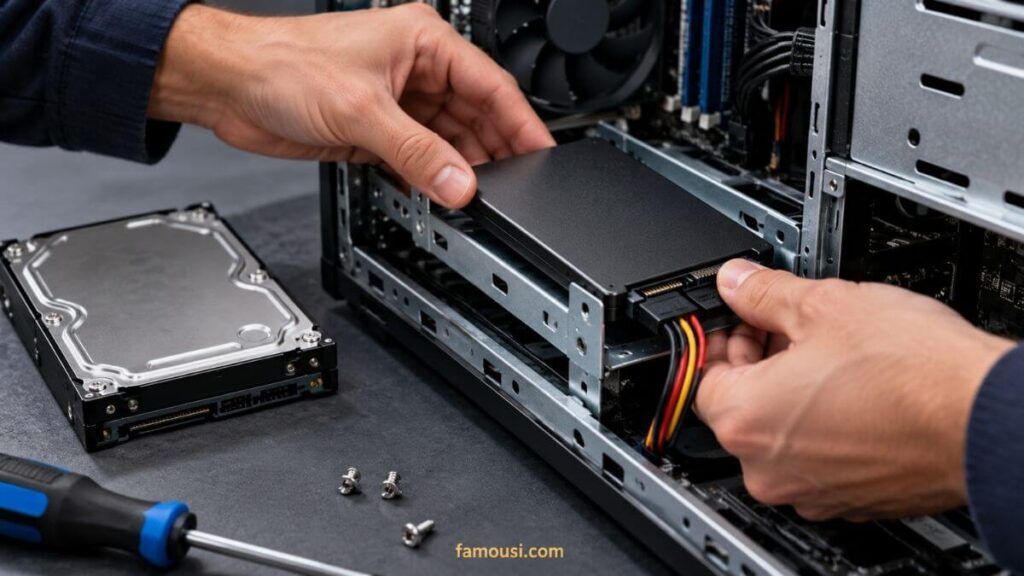
Its listed capabilities include resizing and merging partitions, cloning disk partitions, migrating an operating system to an SSD or HDD, and converting between supported disk partition formats.
That distinction matters when upgrading storage. Someone trying to reorganize partitions or move an existing operating system may need Partition Master, whereas someone trying to retrieve an accidentally deleted photo would investigate Data Recovery Wizard instead.
Check the features available in the free edition before paying, and back up important data before making substantial changes to partitions or storage devices.
Todo Backup Home: Protect Files Before They Are Lost
EaseUS Todo Backup Home addresses a different problem: creating backups so that files, disks or an operating system can be restored later.
The product supports backup and recovery workflows, including file, system and disk backup functions.
This makes it relevant to people who want a recovery plan before experiencing drive failure or accidental deletion. It is not interchangeable with software designed to search for files that have already disappeared.
Consider how often you need backups, where they will be stored and which recovery functions your selected edition includes.
Todo PCTrans Pro: Move Files and Applications to Another Computer
EaseUS Todo PCTrans Pro is designed to help move applications, files, user accounts and settings between Windows computers.
It is particularly relevant when replacing a PC or transferring an existing working environment to another machine.
Before purchasing, check the number of permitted computers and whether the specific applications you intend to transfer are supported. A transfer utility can reduce manual setup work, but application licensing and individual software compatibility still matter.
Can You Use EaseUS Software for Free?
Yes. EaseUS offers free editions of several tools, including Data Recovery Wizard, Partition Master, Todo Backup and Todo PCTrans.
The official EaseUS download center lists these free versions separately from paid editions.
One important example is Data Recovery Wizard Free. According to EaseUS’s published guidance, the Windows free edition provides a default recovery allowance of 500 MB, with the possibility of increasing the allowance to 2 GB after completing the specified social-sharing action.
That is different from receiving 2 GB automatically. It is also different from an unrestricted free recovery license.
For a small recovery task, testing the free version first may eliminate the need to buy the paid edition. If the required feature or recovery volume exceeds the free allowance, compare the paid license against the actual task.
EaseUS Promo Codes: What Should You Check?
EaseUS publishes promotional campaigns that may include discount codes. However, a code appearing on a campaign page does not establish that it will work for every product, customer or purchase date.
No independently checkout-tested EaseUS promo code is presented as active in this article.
For the discounts in our comparison table, the official sale page already displays reduced prices. You can therefore begin by comparing the listed offers without assuming that an additional code is necessary.
If a promotional code is offered during checkout, check whether it applies to the selected product and license, whether it can be combined with the displayed price, and whether the final total actually decreases.
An advertised percentage is useful only when it applies to the purchase you intend to make.
EaseUS Licenses, Automatic Renewal and Refunds
Monthly, Annual and Lifetime Licenses
License duration can materially change the real cost of software.
EaseUS lists monthly, yearly and lifetime purchase options across parts of its catalog, but the terms are not identical for every product.
According to the company’s software license policy, Data Recovery Wizard uses a one-time-purchase model without automatic recurring subscription charges, including its time-limited licenses.
Other EaseUS products, including certain Partition Master and Todo Backup licenses, may use subscription-based billing. Where applicable, purchasers should check the renewal schedule, renewal amount and cancellation process before completing payment.
A lifetime license should also be assessed against its exact product and upgrade terms. Do not assume that every lifetime purchase includes the same future upgrades, device coverage or support benefits.
What Is EaseUS’s Refund Policy?
EaseUS publishes a refund policy with a 30-day purchase window, but it is not an unconditional right to return software simply because you have changed your mind.
The official EaseUS refund policy specifies restrictions, including requests submitted more than 30 days after purchase, non-technical reasons, and situations where the purchased product has already successfully performed its intended task.
The company directs refund requests to its support team.
Before buying, check the current refund conditions and use any available trial or free edition to determine whether the software suits your device and requirements.
How to Get an EaseUS Discount
You can approach an EaseUS purchase without relying on an unverified promotional code.
- Choose the relevant software. Decide whether the task involves file recovery, backup, partition management or transferring a computer’s data.
- Compare the official offers. Open the EaseUS discount page and review the available license durations for your selected product.
- Check the free edition. If your task is covered by a free version, test its capabilities before purchasing.
- Review the final checkout. Confirm the displayed total, local taxes if applicable, license coverage, renewal terms and refund restrictions before paying.
A direct software discount may be useful, but a mismatched license can cost more than the advertised saving is worth.
Frequently Asked Questions About EaseUS Discounts
1. Does EaseUS offer discounts on its software?
Yes. EaseUS has an official discount page listing reduced prices for selected software products, including Data Recovery Wizard Pro, Partition Master Pro, Todo Backup Home and Todo PCTrans Pro. Discounts vary by product, platform and license duration. The prices shown in this article were researched on October 22, 2026, and should be checked again before purchasing.
2. Is there a working EaseUS promo code?
EaseUS publishes promotional codes in some official campaigns, but this article does not claim that any particular code has passed a live checkout test. The company’s official discount page also displays reduced prices that do not require a separately verified code to be shown. Check the final checkout total before relying on an additional promotional saving.
3. Can I use EaseUS Data Recovery Wizard for free?
Yes. EaseUS provides a free Data Recovery Wizard edition. Its published Windows free-version guidance describes 500 MB of recovery by default, with an additional allowance that can bring the total to 2 GB after completing the specified sharing action. The free edition has limitations, and successful recovery depends on the condition of the lost data.
4. Do EaseUS software licenses renew automatically?
It depends on the software and license. EaseUS’s licensing documentation states that Data Recovery Wizard uses a non-recurring purchase model, while some other EaseUS products are available through automatically renewing subscriptions. Review the terms displayed for your exact license at checkout rather than assuming that all monthly or annual plans operate alike.
5. Can I get a refund after buying EaseUS software?
A refund may be available under EaseUS’s published policy, generally within 30 days of purchase and subject to its stated conditions. The policy restricts non-technical refund requests and cases where the software has already performed its intended function successfully. Review the terms and contact EaseUS support when a qualifying technical problem cannot be resolved.
Is an EaseUS Discount Worth Using?
An EaseUS discount is most useful when it reduces the price of software that solves a specific problem.
Data Recovery Wizard may be relevant for lost files, Partition Master for disk management, Todo Backup for protecting data and Todo PCTrans for moving to another computer. None of these tools is automatically the best choice for every reader simply because a discount is available.
Start with the free edition where practical, compare the exact license and verify the checkout conditions. If the paid product offers functionality you genuinely need, an official reduced price may make the purchase more economical.
For additional technology shopping opportunities beyond EaseUS, explore Famousi’s Tech & Electronics deals and buying guides.